
Introduction to Next.js Performance Issues
Why Speed Matters for Modern Web Apps
In today’s fast-paced digital world, users expect websites to load instantly. If your site takes more than a few seconds, people may leave before it even finishes loading. That’s why understanding why your Next.js app is slow — and 5 quick fixes is so important.
A fast application improves:
User experience
SEO rankings
Conversion rates
Engagement
Simply put, speed equals success.
Common Symptoms of a Slow Next.js App
If your Next.js app is underperforming, you might notice:
Slow page load times
Delayed navigation between pages
High bounce rates
Poor Core Web Vitals scores
These signs indicate deeper issues that need fixing.
Root Causes Behind Slow Next.js Applications
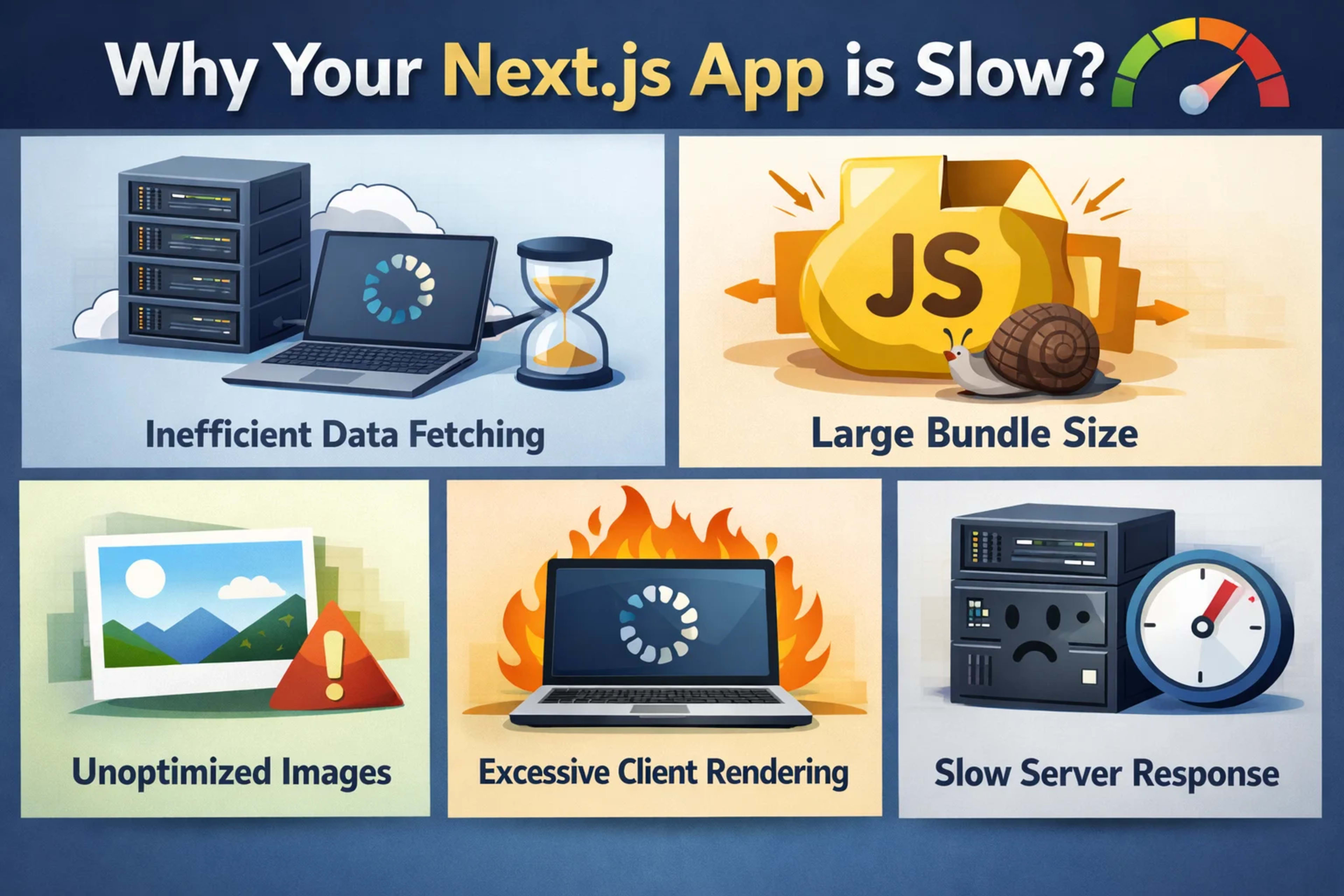
Inefficient Data Fetching Strategies
One of the biggest culprits is fetching data the wrong way. Using server-side rendering (SSR) everywhere can slow things down because each request must be processed in real time.
Large Bundle Sizes and Poor Optimization
Heavy JavaScript bundles increase load time. If your app ships unnecessary code, users will pay the price with slower performance.
Excessive Client-Side Rendering
Relying too much on client-side rendering forces the browser to do more work, which can delay content display.
Unoptimized Images and Assets
Large images without compression or optimization can significantly slow your app.
Poor Server Response Time
Even with a well-built app, slow servers or bad hosting can ruin performance.
Fix #1: Optimize Data Fetching Methods
Use Static Generation (SSG) Wisely
Static Site Generation (SSG) is one of Next.js’s biggest strengths. It pre-renders pages at build time, making them incredibly fast.
Use SSG when:
Content doesn’t change often
SEO is important
You want lightning-fast load times
When to Use Server-Side Rendering (SSR)
SSR is useful when data changes frequently, but overusing it can slow your app.
Best practice:
Use SSR only when necessary
Combine it with caching
Fix #2: Reduce Bundle Size
Code Splitting Techniques
Next.js automatically splits code, but you can improve it further by:
Loading components dynamically
Splitting large libraries
Example:
const HeavyComponent = dynamic(() => import('./HeavyComponent'))Tree Shaking and Removing Dead Code
Remove unused code to shrink your bundle size. Tools like Webpack help eliminate dead code automatically.
Fix #3: Optimize Images and Media
Using Next.js Image Component
Next.js provides a built-in Image component that automatically:
Compresses images
Serves responsive sizes
Uses modern formats like WebP
Example:
import Image from 'next/image'Lazy Loading Assets
Load images only when they are visible on the screen. This reduces initial load time significantly.
Fix #4: Improve Client-Side Performance
Avoid Unnecessary Re-renders
Too many re-renders slow down your app. Use tools like:
React DevTools
Profiler
To identify performance bottlenecks.
Use Memoization Techniques
Memoization prevents unnecessary calculations:
React.memouseMemouseCallback
These tools help your app run smoother and faster.
Fix #5: Enhance Server and Hosting Performance
Use Edge Functions and CDN
Deploy your app on platforms that use CDNs (Content Delivery Networks). This ensures content is delivered from the closest server to the user.
Optimize API Routes
Keep your API routes lightweight and efficient:
Avoid heavy computations
Use caching where possible
Additional Performance Best Practices
Caching Strategies
Caching reduces repeated work:
Browser caching
Server caching
Incremental Static Regeneration (ISR)
Learn more about caching strategies here:
👉 https://web.dev/cache/
Monitoring and Analytics Tools
Use tools like:
Lighthouse
Vercel Analytics
Web Vitals
These help you track and improve performance continuously.
Conclusion
Understanding why your Next.js app is slow — and 5 quick fixes can make a huge difference in your app’s success. Performance isn’t just a technical detail—it’s a critical part of user experience and SEO.
By:
Optimizing data fetching
Reducing bundle size
Improving images
Enhancing client performance
Upgrading your hosting
You can transform a slow app into a blazing-fast experience.