
What is a Sitemap and Why It Matters
A sitemap is like a roadmap for your website. It helps search engines such as Google understand your site structure and find all your pages easily. When you implement sitemap generation in Next.js app, you’re making it easier for search engines to crawl and index your content.
Without a sitemap, some pages might remain hidden—especially dynamic or newly added ones. That’s not great for SEO.
📌 Types of Sitemaps
XML Sitemap – Designed for search engines
HTML Sitemap – Designed for users
💡 Benefits of Sitemap
Faster indexing
Better SEO ranking
Improved visibility
Helps large websites
How Next.js Handles SEO
Next.js is already SEO-friendly. It supports server-side rendering (SSR) and static site generation (SSG), which are great for search engines.
✨ Built-in Features
Meta tags support
Fast page load speed
Clean URLs
⚠️ Limitations
Even with these features, Next.js doesn’t automatically create a sitemap. That’s why sitemap generation in Next.js app becomes essential.
Methods for Sitemap Generation in Next.js App
There are several ways to generate a sitemap:
1. Static Sitemap
Best for small websites where pages don’t change often.
2. Dynamic Sitemap
Useful when content changes frequently (like blogs or e-commerce sites).
3. Using Libraries
The easiest and most popular method is using next-sitemap.
Step-by-Step Guide to Generate Sitemap
Let’s walk through it step by step.
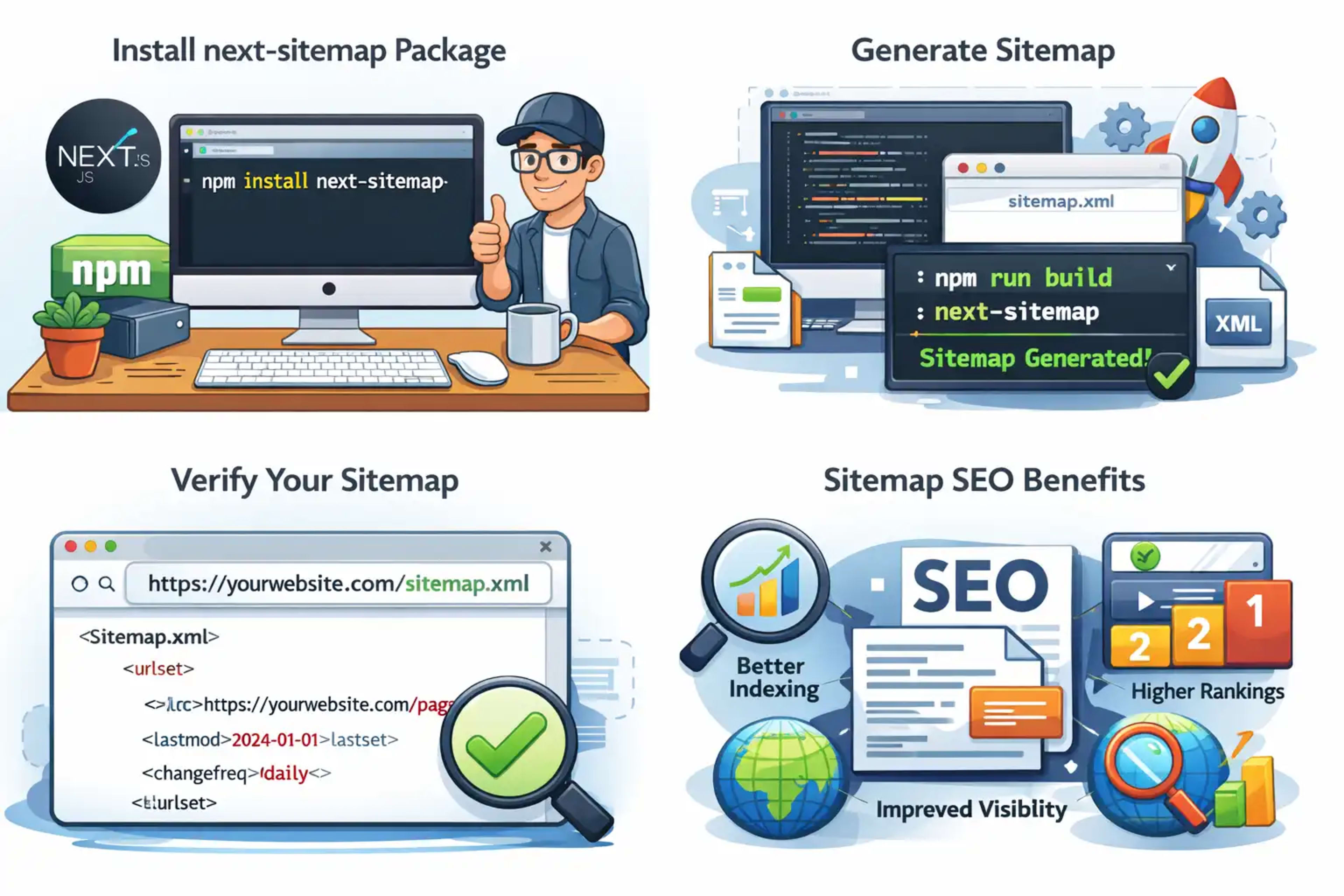
Step 1: Install Required Package
Run this command in your Next.js project:
npm install next-sitemapStep 2: Configure next-sitemap
Create a configuration file in your root directory.
Step 3: Add Configuration File
Create next-sitemap.config.js:
module.exports = {
  siteUrl: 'https://yourwebsite.com',
  generateRobotsTxt: true,
}
Step 4: Generate Sitemap
Add this script in package.json:
"scripts": {
  "postbuild": "next-sitemap"
}
Now run:
npm run buildYour sitemap will be generated automatically.
Step 5: Verify Sitemap
Open in browser:
https://yourwebsite.com/sitemap.xmlAdvanced Sitemap Configuration
Dynamic Routes
transform: async (config, path) => {
  return {
    loc: path,
    changefreq: 'daily',
    priority: 0.7,
  }
}
🚫 Exclude Pages
exclude: ['/admin', '/private']Custom Priority
You can set priority levels from 0.1 to 1.0.
Deploying Sitemap in Production
Vercel Deployment
If you’re using Vercel, sitemap will generate automatically after build.
Custom Server
Ensure sitemap is included in your build output.
Common Mistakes to Avoid
Forgetting to update sitemap
Wrong site URL
Missing dynamic routes
Not submitting sitemap to Google
🏆 Best Practices for Sitemap Optimization
Keep sitemap updated
Use canonical URLs
Limit to 50,000 URLs per file
Submit to Google Search Console
Learn more from Google’s official guide:
https://developers.google.com/search/docs/crawling-indexing/sitemaps/overview
FAQs
1. What is sitemap generation in Next.js app?
It is the process of creating an XML file listing all pages of your Next.js website for search engines.
2. Is sitemap necessary for small websites?
Not mandatory, but highly recommended for better indexing.
3. Can I generate sitemap without a library?
Yes, but it’s more complex and time-consuming.
4. How often should I update sitemap?
Whenever your content changes.
5. Does Next.js support automatic sitemap generation?
No, you need tools like next-sitemap.
6. Where should I submit sitemap?
Google Search Console and Bing Webmaster Tools.
Conclusion
Implementing sitemap generation in Next.js app is one of the easiest ways to boost your website’s SEO. Whether you’re running a blog, portfolio, or e-commerce store, a sitemap ensures search engines don’t miss your content.
By following the steps above, you can quickly generate and deploy a sitemap without hassle. Once done, your site becomes more visible, searchable, and SEO-friendly.