
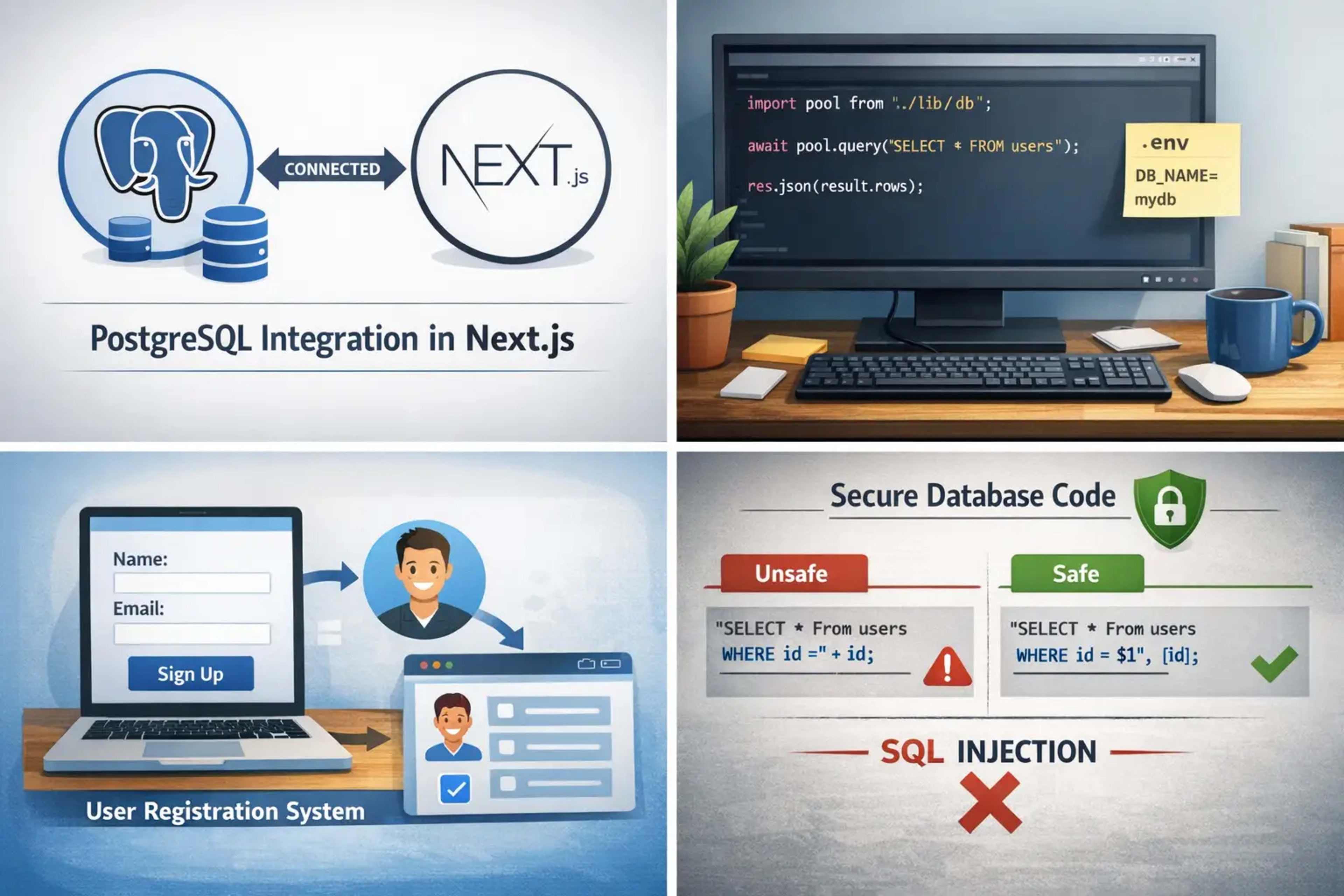
Introduction to PostgreSQL Integration in Next.js
PostgreSQL integration in Next.js is a powerful way to build modern web applications. It allows you to store, manage, and retrieve data easily. Many developers use this combination because it is fast, secure, and flexible.
What is PostgreSQL?
PostgreSQL is a free and open-source database system. It stores data in tables. It is strong and reliable. Many big companies use it for handling large data.
What is Next.js?
Next.js is a React-based framework. It helps you build websites and apps quickly. It supports both frontend and backend. This makes development easier.
Why Use PostgreSQL with Next.js
Using PostgreSQL integration in Next.js gives many benefits.
Benefits of Using PostgreSQL
Handles large data easily
Supports advanced queries
Very secure
Open-source and free
Advantages of Next.js Backend
Built-in API routes
Fast performance
Easy deployment
Full-stack development
Prerequisites Before Integration
Before starting, you need some tools.
Required Tools and Setup
Node.js installed
PostgreSQL installed
Code editor (like VS Code)
Basic Knowledge Needed
JavaScript basics
SQL basics
React basics
Setting Up a Next.js Project
Create a New Project
Run this command:
npx create-next-app my-app
cd my-app
npm run dev
Now your app is running.
Folder Structure Overview
Important folders:
/pages→ for routes/pages/api→ for backend APIs
Installing PostgreSQL and Dependencies
Install PostgreSQL
Download PostgreSQL from the official website and install it. Create a database.
Install Node Packages
Install PostgreSQL client:
npm install pgConnecting PostgreSQL to Next.js
Database Connection Setup
Create a file lib/db.js:
import { Pool } from "pg";

const pool = new Pool({
  user: "postgres",
  host: "localhost",
  database: "mydb",
  password: "password",
  port: 5432,
});

export default pool;
Environment Variables
Create .env.local:
DB_USER=postgres
DB_PASSWORD=password
DB_NAME=mydb
This keeps your data secure.
Creating API Routes in Next.js
Backend API Example
Create file /pages/api/users.js:
import pool from "../../lib/db";

export default async function handler(req, res) {
  const result = await pool.query("SELECT * FROM users");
  res.json(result.rows);
}
Handling Requests
GET → Fetch data
POST → Insert data
Real-Life Example: User Registration System
Let’s build a simple example.
Database Table Creation
Run this SQL:
CREATE TABLE users (
  id SERIAL PRIMARY KEY,
  name VARCHAR(100),
  email VARCHAR(100)
);
Insert and Fetch Data
API to insert data:
if (req.method === "POST") {
  const { name, email } = req.body;
  await pool.query(
    "INSERT INTO users(name, email) VALUES($1, $2)",
    [name, email]
  );
}
👉 Real Example:
Imagine a signup form. When a user enters name and email, it gets saved in PostgreSQL. Then you can fetch and display users.
Using ORM Tools (Optional)
Prisma Overview
Prisma is an ORM tool. It makes database work easier.
Benefits of ORM
Simple queries
Less code
Easy migration
Error Handling and Debugging
Common Errors
Connection failed
Wrong credentials
Query errors
Fixing Connection Issues
Check database is running
Verify username and password
Check port number
Best Practices for Secure Integration
Environment Security
Never expose passwords
Use
.envfiles
SQL Injection Prevention
Use parameterized queries:
pool.query("SELECT * FROM users WHERE id=$1", [id]);Performance Optimization Tips
Query Optimization
Use indexes
Avoid unnecessary queries
Connection Pooling
Pooling improves performance by reusing connections.
Frequently Asked Questions
1. Is PostgreSQL good for Next.js apps?
Yes, it is fast, secure, and reliable.
2. Can I use PostgreSQL without ORM?
Yes, you can use the pg package directly.
3. What is the easiest way to connect PostgreSQL?
Using the pg library is simple and effective.
4. Is Next.js full-stack?
Yes, it supports both frontend and backend.
5. How to secure database credentials?
Use environment variables like .env.local.
6. What is Prisma used for?
Prisma helps manage databases easily with less code.
Conclusion
PostgreSQL integration in Next.js is a smart choice for developers. It gives strong performance and flexibility. With simple steps, you can connect your database and build real-world applications.
Start with a small project like a user system. Then grow your skills step by step. With practice, you will become confident in full-stack development.
For more details, you can visit the official PostgreSQL website:
👉 https://www.postgresql.org/