
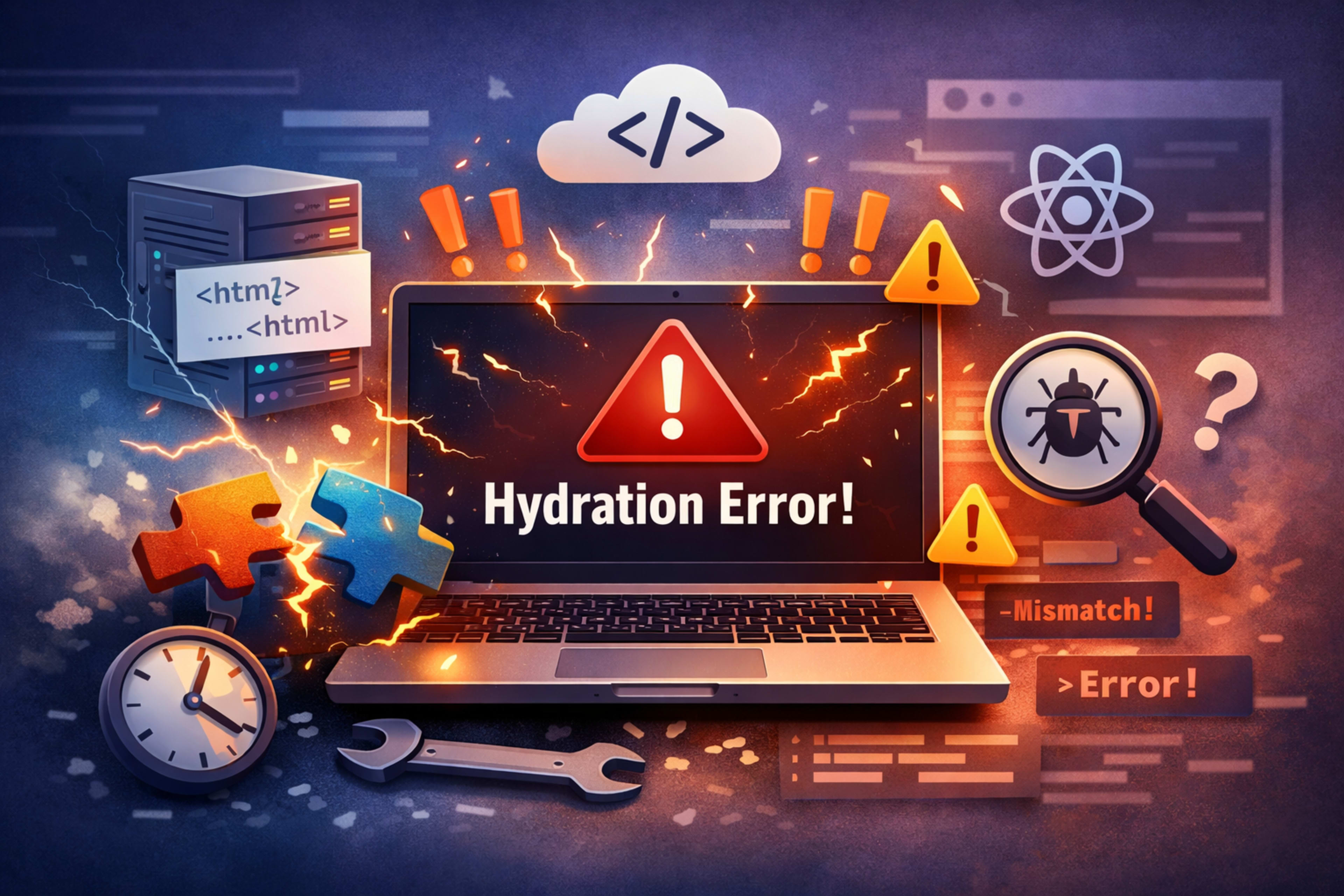
💡 Hydration error – Complete Beginner Guide
🧠 What is a Hydration error?
📌 Simple definition in easy words
A Hydration error happens when the HTML created on the server does not match what React expects in the browser.
In simple terms:
👉 The server shows one thing
👉 The browser tries to load something slightly different
And boom 💥 — you get a Hydration error.
🤔 Why beginners get confused
If you're new, this feels confusing because:
The page looks fine sometimes
Error messages are technical
It happens mostly in frameworks like React or Next.js
But don’t worry — we’ll break it down step-by-step.
🌐 Where does Hydration error happen?
⚛️ React and Next.js explanation
Hydration errors mostly occur in:
React apps using SSR (Server-Side Rendering)
Next.js projects
In these frameworks:
Server sends ready HTML
Browser loads JavaScript
React “hydrates” the page (makes it interactive)
If both don’t match → Hydration error.
🔄 Server-side vs client-side rendering
TypeMeaningServer-side rendering (SSR)HTML created on serverClient-side rendering (CSR)HTML created in browser
Hydration connects these two.
⚠️ Why Hydration error occurs
❌ Mismatch between HTML and JavaScript
This is the main reason.
Example:
<p>{Math.random()}</p>Server and browser generate different numbers → mismatch.
📅 Dynamic data problems
Things like:
Current date/time
Random values
API data changing quickly
These can break consistency.
🪟 Browser-only code issues
Using browser-specific things like:
windowdocumentlocalStorage
These don’t exist on the server → causes errors.
🔍 Real-life examples of Hydration error
📆 Example 1: Date mismatch
<p>{new Date().toLocaleTimeString()}</p>Time changes → mismatch.
🎲 Example 2: Random numbers
<p>{Math.random()}</p>Different every time → error.
🖥️ Example 3: Window object usage
<p>{window.innerWidth}</p>Server doesn’t know window → crash.
🛠️ How to identify Hydration error
🚨 Error messages
You might see:
“Hydration failed”
“Text content does not match”
🧪 Browser console tips
Open DevTools → Console Look for:
Red errors
Component names
✅ 7 Easy Ways to Fix Hydration error
1️⃣ Fix 1: Use useEffect properly
useEffect(() => {
  setTime(new Date().toLocaleTimeString());
}, []);
✔ Runs only in browser
✔ Prevents mismatch
2️⃣ Fix 2: Avoid random values
❌ Bad:
Math.random()✔ Good: Generate after load
3️⃣ Fix 3: Check conditional rendering
Wrong:
{typeof window !== "undefined" && <Component />}Better: Use state + useEffect
4️⃣ Fix 4: Use dynamic import
In Next.js:
dynamic(() => import('./Component'), { ssr: false })✔ Disables server rendering
5️⃣ Fix 5: Match server and client output
Always ensure:
👉 Same HTML on server
👉 Same HTML in browser
6️⃣ Fix 6: Disable SSR if needed
If something only works in browser:
👉 Turn off SSR for that component
7️⃣ Fix 7: Debug step-by-step
Remove dynamic code
Add parts slowly
Find where mismatch happens
🛡️ Best practices to avoid Hydration error
✔ Keep UI consistent
Same data everywhere
Avoid changing values instantly
🚫 Avoid browser-only APIs
Instead of:
window.innerWidthUse:
useEffect(() => { ... })❌ Common mistakes beginners make
Using
Math.random()in JSXUsing
Date()directlyAccessing
windowon serverNot checking SSR behavior
❓ FAQs about Hydration error
1. What is Hydration error in simple words?
It means server HTML and browser HTML are different.
2. Is Hydration error dangerous?
No, but it can break your UI and user experience.
3. Does Hydration error only happen in React?
Mostly in React and Next.js, especially with SSR.
4. How do I fix Hydration error quickly?
Use useEffect, avoid random values, and ensure consistent output.
5. Can I ignore Hydration error?
Not recommended — it can cause bugs later.
6. What is the main cause of Hydration error?
Mismatch between server-rendered HTML and client-rendered HTML.
🎯 Conclusion
The Hydration error might seem scary at first, but it’s actually easy to fix once you understand the cause.
👉 Always remember:
Keep server and client output the same
Avoid dynamic values during rendering
Use
useEffectfor browser-only logic
With these simple steps, you can fix and prevent Hydration errors like a pro 🚀
💬 What do you think?
Just dropped a simple fix — what do you think?
Comment your thoughts 👇